Available
A tour of the rental listing website
The site a renter sees, and the admin the owner uses to keep it current. Every screen below is the real app running on made-up demo data.
Every screen on this page was captured on October 8, 2026 from the app running on demo data: invented names, addresses and numbers. No real person or business appears, and nothing was sent to anyone. On a phone, the wider staff tables scroll sideways, so some columns sit off screen in the narrow pictures.
What a renter sees
-
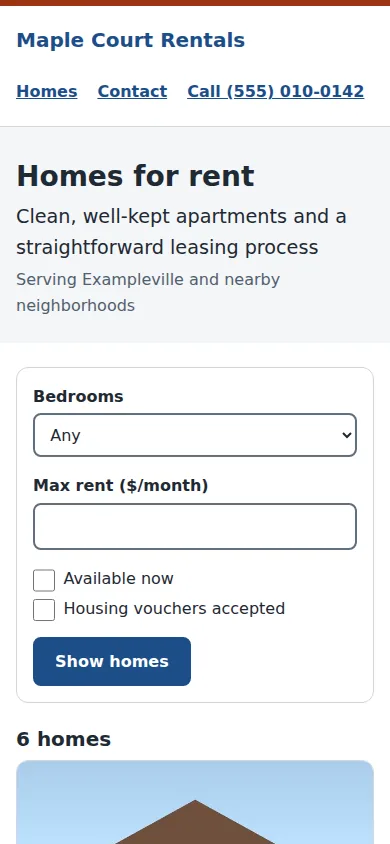
The public home page lists the homes as cards. Above them, a filter bar offers bedrooms, maximum rent, available now and housing vouchers accepted. -
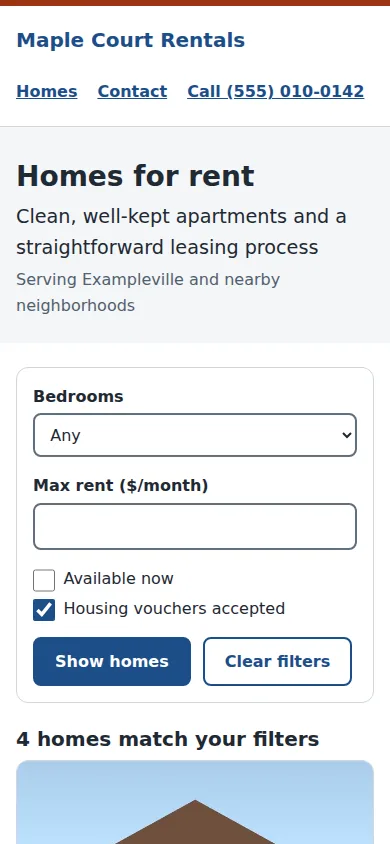
With the housing vouchers accepted box ticked, the page says how many homes match the filters and offers a Clear filters button. -
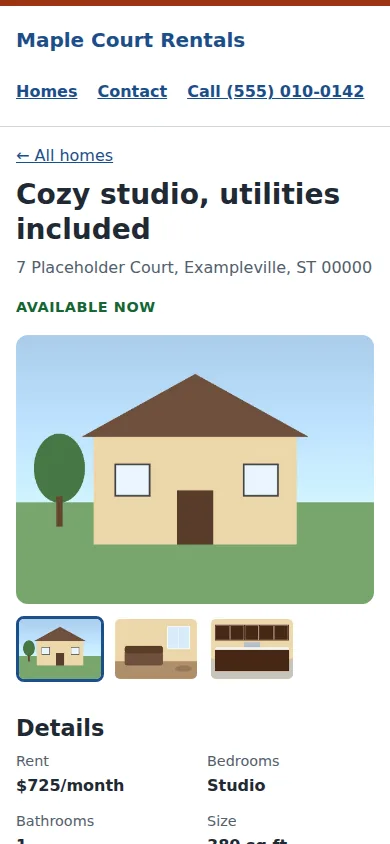
A listing page shows the title, address and availability, the photos, and an Ask about this home form. -
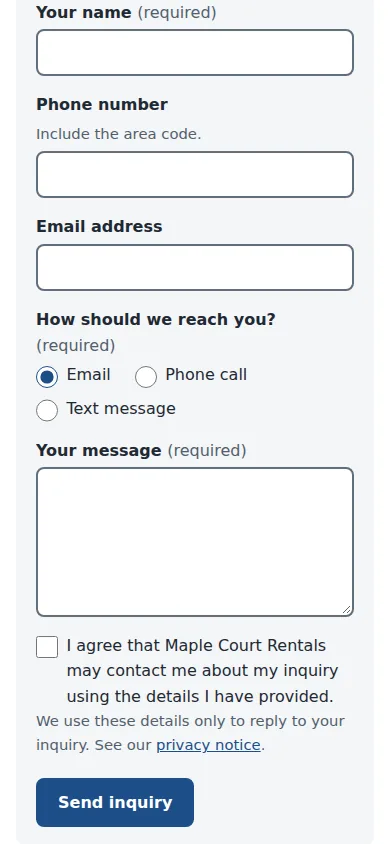
The inquiry form asks for a name, a phone number, an email address, how the person wants to be reached and a message.


What the owner sees
-
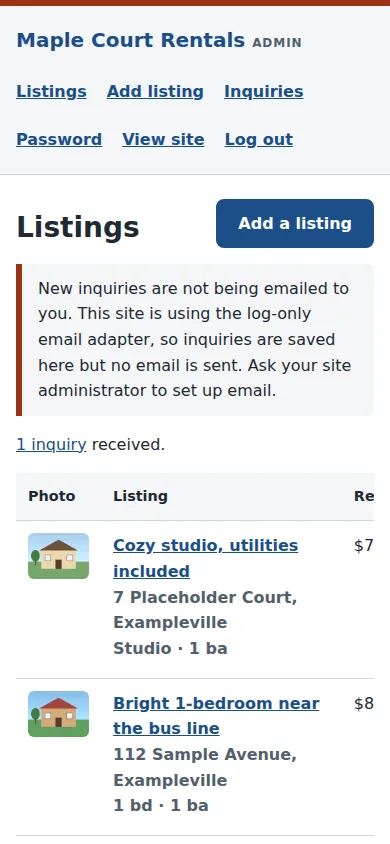
The owner's Listings page has a table of every listing with its photo, address, rent and status, and Edit, Mark leased and Archive links. A notice explains that this demo saves inquiries without emailing them. -
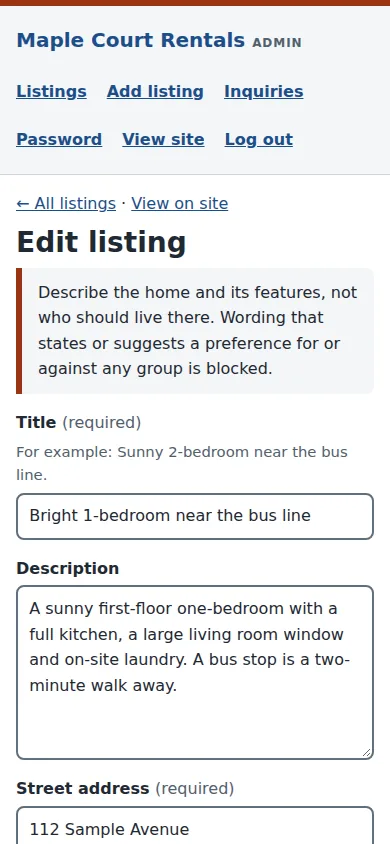
The edit form opens with a notice that wording stating or suggesting a preference for or against any group is blocked, followed by the title, description and address fields. -
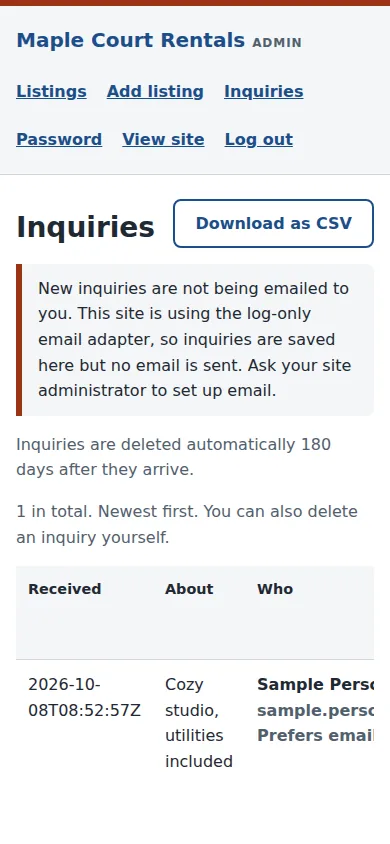
The Inquiries page lists each message with when it arrived, which listing it is about, who sent it and what it said. It notes that inquiries are deleted automatically after 180 days and offers a CSV download.


Back to the Rental listing websites page for what it does, what it does not do and where it stands.
Want to see it with your own details?
Tell us what you run and what you would want on these screens. We will answer by email.